15 Best Open Source LLMs You Can Deploy Today
15 Best Open Source LLMs You Can Deploy Today
Not long ago, if you wanted to build something serious with AI, you had no real choice. You picked OpenAI, handed over your API key, and hoped the bill stayed reasonable. That era is over.
Today, the open-weight model ecosystem is genuinely world-class. Some of these models beat closed systems on coding, reasoning, and instruction-following benchmarks — and you can download and run every single one of them yourself.
Here's what that actually gives you:
- Full data privacy — your users' messages and files never leave your own servers
- No silent model updates — the model you tuned your prompts on stays exactly the same forever
- No per-token billing — run a million tokens and pay nothing extra beyond your compute
- Build anything — Apache 2.0 and similar licenses mean you can put these in commercial products with no restrictions
Let's go through the 15 best options available right now.
The 15 Best Open Source LLMs
1. Google Gemma 4 26B-A4B
Gemma 4 26B is Google DeepMind's flagship efficient model, released April 2026 under Apache 2.0. It uses a Mixture-of-Experts architecture, meaning it has 26B total parameters but only activates 3.8B per response — giving you fast, sharp answers without needing a top-tier GPU. It handles coding, reasoning, long documents, and tool use exceptionally well.
- Best Use Case: AI coding assistants, agent workflows, customer support bots
- Hardware Needed: A GPU with 16–24 GB of VRAM (like an RTX 3090 or RTX 4090), or Apple M-series Max chips
2. Google Gemma 4 31B Dense
The bigger sibling of the 26B model. This one doesn't use the expert-routing trick — all 31B parameters are active on every single response. That makes it slower and hungrier for VRAM, but it produces noticeably better results on hard logic problems, complex math, and nuanced reasoning chains.
- Best Use Case: Research, advanced reasoning, multi-document analysis
- Hardware Needed: A dedicated GPU with at least 24 GB of VRAM, or 32 GB of unified memory on Apple Silicon
3. Qwen 3.6 27B
Built by Alibaba's research team, Qwen 3.6 27B is one of the strongest all-rounders available. It has exceptional multilingual support (works natively across 100+ languages), top-tier coding scores, and great structured output for tool-calling. Also released under Apache 2.0.
- Best Use Case: International products, multilingual customer support, coding agents
- Hardware Needed: 20–24 GB of VRAM for full precision; fits on an RTX 4090
4. Llama 4 Scout
Meta's Llama 4 Scout was built to handle extremely long conversations without losing track of earlier context. It has a 10 million token context window — meaning you can feed it entire books, long chat histories, or massive codebases and it stays coherent throughout.
- Best Use Case: Long document Q&A, legal document review, deep research agents
- Hardware Needed: 16–32 GB VRAM depending on the context length you're pushing
5. Llama 3.3 70B Instruct
Meta's Llama 3.3 70B is a proven workhorse. It's been extensively tested in production and scores well across general chat, instruction-following, and coding tasks. It's the safe, reliable choice for teams that want broad capability without chasing the newest release.
- Best Use Case: General-purpose chatbots, customer service, summarization
- Hardware Needed: 40–48 GB of VRAM (two RTX 3090s or a single A100)
6. Llama 3.1 8B Instruct
If you need something that runs on modest hardware but still holds a smart conversation, Llama 3.1 8B is hard to beat. It's fast, lightweight, and accurate enough for most practical applications that don't need frontier-level reasoning.
- Best Use Case: Edge deployment, lightweight chat features, internal tools on small servers
- Hardware Needed: 8 GB of VRAM — runs on a standard RTX 3070 or better
7. Mistral 7B Instruct v0.3
Mistral 7B punches well above its weight class. Mistral AI built it to be extremely efficient, and it delivers sharp, concise answers quickly. It's a great option when you need speed and low compute cost above all else.
- Best Use Case: Fast autocomplete, lightweight API responses, real-time chat
- Hardware Needed: 6–8 GB of VRAM — runs on most mid-range consumer GPUs
8. Mixtral 8x7B Instruct
Mixtral 8x7B is a Mixture-of-Experts model from Mistral AI that gives you the quality of a ~45B model at the compute cost of a ~13B model. It handles multi-language tasks, coding, and complex instruction-following well — a strong middle-ground between tiny fast models and large expensive ones.
- Best Use Case: Multilingual apps, instruction-following, production APIs that need a quality-speed balance
- Hardware Needed: 24–32 GB of VRAM (two 3090s or a single A100)
9. Microsoft Phi-4 14B
Microsoft's Phi-4 is remarkable for its size. At only 14B parameters, it outperforms much larger models on math, logical reasoning, and STEM tasks because it was trained on extremely high-quality data rather than sheer volume. If you're building anything that involves calculations, science, or structured problem-solving, this is worth a close look.
- Best Use Case: Math tutoring, STEM question answering, structured reasoning tasks
- Hardware Needed: 10–14 GB of VRAM — fits comfortably on a single RTX 3080 or 4070 Ti
10. DeepSeek-V3
DeepSeek-V3 from the DeepSeek team is one of the strongest open coding models available. It was trained with a heavy focus on software development tasks and consistently ranks near the top on coding benchmarks. It also handles general conversation well, making it a solid all-rounder for developer-focused products.
- Best Use Case: Code generation, code review, developer tools, IDE integrations
- Hardware Needed: 40–80 GB of VRAM for full precision (best on multi-GPU setups or cloud)
11. DeepSeek-R1 Distill Qwen 32B
A distilled version of DeepSeek's reasoning model, based on Qwen architecture. It brings strong chain-of-thought reasoning to a more manageable size. When you need a model that "thinks out loud" through a problem step by step before answering, this one excels.
- Best Use Case: Complex Q&A, step-by-step problem solving, research assistants
- Hardware Needed: 24–32 GB of VRAM
12. Mistral Nemo 12B
Mistral Nemo is a compact 12B model built for high instruction-following accuracy and reliable tool use. It fits into a smaller VRAM footprint than most of the models on this list while still delivering sharp, on-task responses. Good for production APIs that need quality without a massive hardware bill.
- Best Use Case: Production chatbots, tool-calling agents, lightweight coding help
- Hardware Needed: 10–12 GB of VRAM — fits on a single RTX 3080
13. Llama 3.2 3B Instruct
When you genuinely need to run a model on very limited hardware — a small VPS, a Raspberry Pi class device, or a user's phone — Llama 3.2 3B is the answer. It's small, fast, and surprisingly capable for its size on simple chat and classification tasks.
- Best Use Case: On-device AI, privacy-first mobile apps, ultra-low-resource environments
- Hardware Needed: 4–6 GB of RAM — can run on CPU-only machines
14. Command R+ (Cohere)
Command R+ is Cohere's open-weight model, purpose-built for Retrieval-Augmented Generation (RAG) workflows. If your product needs to search through a document library, answer questions from a knowledge base, or cite sources in its answers, this model was specifically designed and optimized for that task.
- Best Use Case: RAG pipelines, document Q&A, enterprise knowledge bases
- Hardware Needed: 24–32 GB of VRAM
15. Falcon 3 10B Instruct
Falcon 3 10B from the Technology Innovation Institute is a capable, open-weight model that handles everyday chat, summarization, and text classification reliably. It's not the most exciting model on this list, but it's stable, well-documented, and has a strong track record in production deployments.
- Best Use Case: Text classification, summarization, general chat in lower-resource setups
- Hardware Needed: 8–12 GB of VRAM
Quick tip: For local development and testing,
Ollamamakes running any of these models on your own machine as simple as one terminal command:ollama run gemma4:26b. For production APIs, you'll need something more robust — covered below.
The Hidden Cost: Running Open LLMs in Production
The models above are free to download. That part is great. But keeping them running reliably for real users is a different story.
Here are the three problems almost every team runs into:
The VRAM Wall
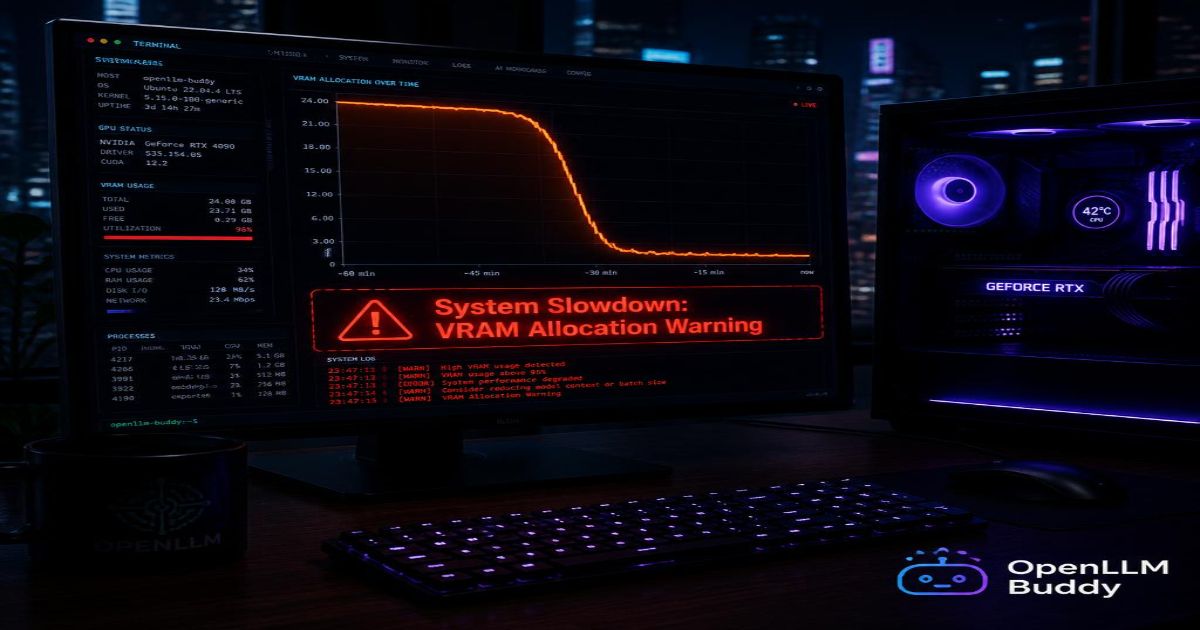
The bigger and smarter the model, the more GPU memory it needs. GPUs with 24+ GB of VRAM — like the RTX 4090 — are expensive to rent on cloud platforms. And when you rent a raw server, you pay for that GPU around the clock, even when zero users are hitting your API at 3 AM on a Sunday. That idle billing adds up fast.
The DevOps Headache
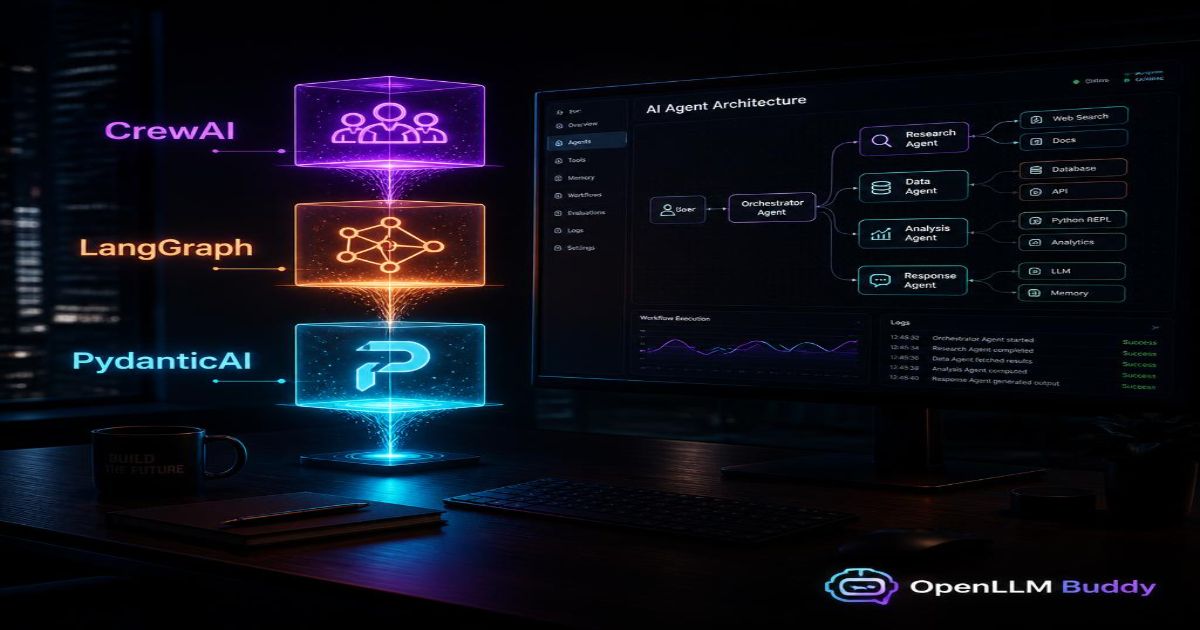
Setting up a production model server is not a one-afternoon task. You need to configure the inference engine (vLLM is the standard), manage memory allocation, handle concurrent requests, set up health checks and auto-restart scripts, and tune your context window settings. For Mixture-of-Experts models like Gemma 4 26B or Mixtral, the expert routing layer adds another layer of complexity that takes real infrastructure knowledge to get right.
Most engineering teams didn't sign up to become ML infrastructure specialists. But that's what raw self-hosting demands.
The Token Trap
If you give up on self-hosting and fall back to a standard serverless API instead, you're right back where you started — paying per token. At $15/million output tokens, a production agent workflow generating 5 million tokens per day costs $75/day — $2,250/month — from token billing alone.
Large file processing, multi-step reasoning loops, and long conversation histories all explode token counts fast. The financial ceiling hits quickly.
The Easy Solution: OpenLLM Buddy
OpenLLM Buddy is the simplest way to run these models without the infrastructure stress.
Here's how it works in plain terms: you pick your model (Gemma 4 26B, Qwen 3.6 27B, or others), choose a time pack, and you get a ready-to-use OpenAI-compatible API endpoint pointing at dedicated, elite hardware. The platform runs on NVIDIA RTX 4090 and next-generation RTX 5090 GPUs via high-quality RunPod compute. All the vLLM configuration, memory management, and expert routing is handled for you automatically.
The most important part: token consumption is 100% free. You pay a flat rate for GPU compute time only. No per-input-token charge. No per-output-token charge. No surprise invoice because your agent looped through a large codebase 20 times overnight.
Real pricing — no hidden fees:
| Plan | Gemma 4 26B (RTX 4090) | Qwen 3.6 27B (RTX 5090) |
|---|---|---|
| 11 Hours | $10 | $14 |
| 24 Hours | $22 | $31 |
| 1 Week | $150 | $212 |
| 1 Month | $599 | $845 |
Both plans auto-terminate when your time quota ends — so you're never paying for idle time you didn't use.
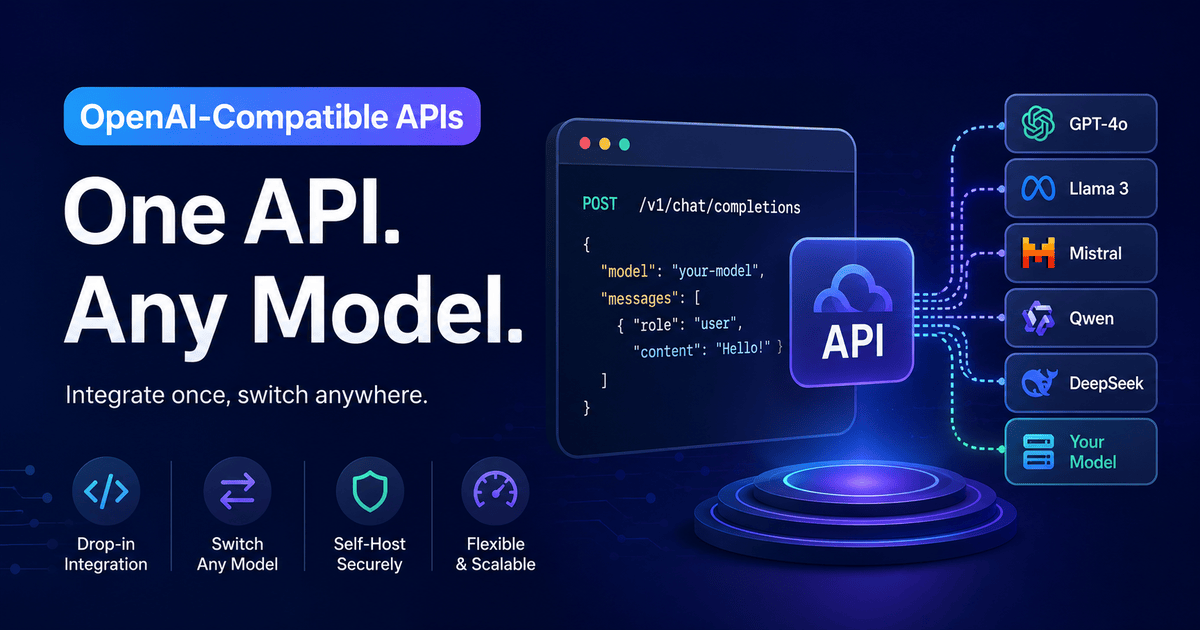
Switching from any existing OpenAI-compatible setup takes one line of code:
import openai

# Switch to zero-token, flat-rate compute
client = openai.OpenAI(
    base_url="https://api.openllmbuddy.cloud/v1",
    api_key="YOUR_OPENLLM_BUDDY_KEY"
)

response = client.chat.completions.create(
    model="gemma-4-26b-a4b",  # or qwen-3.6-27b, or others
    messages=[{"role": "user", "content": "Help me debug this function."}]
)
Your existing code, prompts, and tools stay exactly the same. You just changed the base_url. Everything else works.
Pick Your Model and Start Building
To make it easy — here's a quick decision guide:
- Need speed + efficiency on one GPU? →
Gemma 4 26B-A4B - Need the best reasoning quality? →
Gemma 4 31BorQwen 3.6 27B - Building multilingual products? →
Qwen 3.6 27B - Processing huge documents? →
Llama 4 Scout - Need something tiny for local/mobile? →
Llama 3.2 3B - Building a coding tool? →
DeepSeek-V3orGemma 4 26B - RAG / document search? →
Command R+
All 15 of these models are deployable today. The open-weight era is not coming — it's already here. Go build something with it.