Best Local AI Stack for Solo Founders: Build Fast for Free
Best Local AI Stack for Solo Founders: Build Fast for Free
Most solo founders make the same expensive mistake in their first few months. They sign up for ChatGPT Plus, add a Claude subscription, start using the OpenAI API for their product — and suddenly they're spending $200–$400 a month on AI tools before they've made a single dollar.
There's a smarter way. You can run genuinely powerful AI directly on your own computer, for free, right now. Your business ideas stay private, your token bill stays at zero, and you can even work from a coffee shop with no internet. This guide shows you exactly how to set it up.
1. Why Solo Founders Should Go Local
When you're building alone, every dollar matters. Monthly SaaS subscriptions and API bills feel small at first — $20 here, $50 there — but they stack up fast. By the time you've paid for three months of AI tools without shipping anything, you've burned hundreds of dollars on infrastructure instead of marketing or users.
A local AI stack fixes this completely. Here's what you get:
- Zero token bills — you can run a million prompts and pay nothing extra beyond your laptop's electricity
- Total privacy — your product ideas, your code, your customer data never leaves your machine and never goes through someone else's server
- Work offline anywhere — on a plane, in a remote cabin, in a coffee shop with bad Wi-Fi — your AI keeps working because it's running locally
- No surprise invoices — a runaway script or a long document analysis won't generate a $300 overnight bill
The tools to make this work are all free, well-supported, and genuinely good. Let's go through each one.
2. The Core Pillars of Your Local AI Stack
Ollama — The Engine
Ollama is the piece of software that makes everything else possible. It handles the hard work of downloading and running large AI models on your own computer — whether you're on a Mac, Windows, or Linux machine.
Before tools like Ollama existed, running a smart AI model locally required deep technical knowledge, complex configurations, and a lot of patience. Ollama turns the whole thing into a single terminal command. You type ollama run gemma4:26b, it downloads the model and starts it up, and you're talking to a powerful AI running entirely on your own hardware.
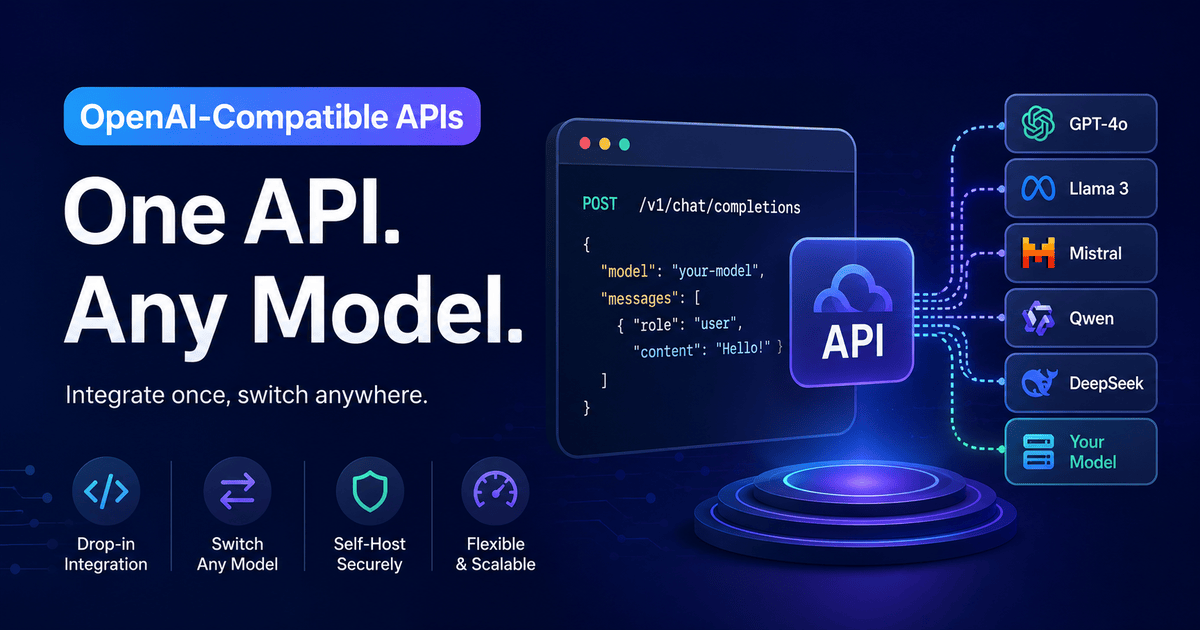
It also runs a local API server at localhost:11434 that speaks the same language as the OpenAI API — which means any tool or code that works with OpenAI will also work with your local Ollama setup, with just a URL change.
Install it in one step:
# macOS
brew install ollama

# Linux
curl -fsSL https://ollama.com/install.sh | sh
For Windows, download the installer at ollama.com.
Gemma 4 26B or Qwen 3.6 27B — The Brains
Once Ollama is running, you need to pick a model — the actual AI that does the thinking.
Gemma 4 26B from Google DeepMind and Qwen 3.6 27B from Alibaba are the two best choices for a solo founder right now. Both are released under the Apache 2.0 license, which means they're completely free for business use — you can build a commercial product on top of them with no restrictions.
Both models are excellent at:
- Writing and reviewing code
- Drafting emails, landing pages, and marketing copy
- Organizing and summarizing documents
- Answering questions from your notes or product specs
- Planning features and breaking down tasks
Gemma 4 26B is especially fast because it uses a smart architecture that only activates a small portion of itself per response — so even on a consumer laptop with a good GPU, it feels snappy. Qwen 3.6 27B is the better choice if you're working in multiple languages or need strong coding output.
Hardware tip:
Gemma 4 26Bruns smoothly on a machine with 16–24 GB of GPU memory (like a Mac with 32+ GB unified memory, or a PC with an RTX 3090/4090). If your laptop has less than 16 GB of memory, start withgemma4:e4b— a smaller, faster version that fits in 8 GB.
n8n or AnythingLLM — The Workspace
Knowing your AI model is running is one thing. Connecting it to your actual work — your notes, documents, product specs, customer emails — is where things get really useful.
n8n is a free, open-source visual tool that lets you build automated workflows by connecting blocks together on a screen. You can set it up so that when a new email arrives, your local AI reads it and drafts a reply. Or when you add a new file to a folder, the AI summarizes it automatically. No complex coding required.
AnythingLLM is even simpler. It's a desktop app where you drag in your documents — PDFs, text files, markdown notes — and it lets you have a conversation with them using your local AI model. Ask "what did I decide about pricing last month?" and it searches your uploaded notes and gives you an answer. Think of it as a private ChatGPT that only knows what you've taught it.
For most solo founders, the setup that works best is:
AnythingLLMfor day-to-day document Q&A and personal knowledge basen8nfor building automations that connect your AI to external tools (email, Notion, Google Sheets, webhooks)
3. The Setup Guide — Wiring Your Local Stack
Here's the exact setup path from zero to a fully working local AI stack.
Step 1 — Start Your Local Model
# Start Ollama and run the Gemma 4 26B model
ollama run gemma4:26b
The first run will download the model (about 15 GB). After that it starts instantly. You can now chat with it directly in the terminal, or use it through any tool that connects to localhost:11434.
Step 2 — Run n8n Locally with Docker
# docker-compose.yml — save this file and run it
version: "3"
services:
  n8n:
    image: n8nio/n8n
    ports:
      - "5678:5678"
    environment:
      - N8N_BASIC_AUTH_ACTIVE=true
      - N8N_BASIC_AUTH_USER=admin
      - N8N_BASIC_AUTH_PASSWORD=yourpassword
    volumes:
      - ~/.n8n:/home/node/.n8n
Start it with:
docker-compose up -d
Then open http://localhost:5678 in your browser. You'll see the n8n visual canvas where you can start building workflows.
Step 3 — Connect n8n to Your Local Ollama Model
Inside n8n, when you add an AI Agent or OpenAI Chat Model node, point it at your local Ollama server instead of OpenAI:
# If you're using the OpenAI SDK directly in any script
from openai import OpenAI

client = OpenAI(
    base_url="http://localhost:11434/v1",
    api_key="ollama"  # required field — value doesn't matter
)

response = client.chat.completions.create(
    model="gemma4:26b",
    messages=[{"role": "user", "content": "Summarize this week's tasks."}]
)
print(response.choices[0].message.content)
The base_url swap is the only change from any standard OpenAI code. Everything else works identically.
Step 4 — Set Up AnythingLLM for Document Q&A
Download AnythingLLM Desktop from useanything.com. On first launch:
- Go to Settings → LLM Provider → Ollama
- Set the base URL to
http://localhost:11434 - Select your model (
gemma4:26b) - Create a workspace, drag in your documents (PDFs, notes, specs)
- Start asking questions
Important: AnythingLLM chunks and indexes your documents locally. Nothing is sent anywhere. Your business documents, ideas, and customer information stay on your machine.
4. When Local Isn't Enough — The Easy Scale-Up
This local stack handles a huge amount of work. But there are moments when your own laptop hits a limit: you need to run a heavy multi-step agent loop, process a massive document batch, or share an API endpoint with a teammate or early customer.
When that happens, you don't have to go back to per-token billing. OpenLLM Buddy runs the same models — Gemma 4 26B and Qwen 3.6 27B — on dedicated NVIDIA RTX 4090 and RTX 5090 hardware, with zero token charges. You pay a flat rate for GPU time only: $22 for a full 24 hours of Gemma 4 26B access.
The migration from your local setup is one line:
# Local
base_url="http://localhost:11434/v1"

# Production-ready, shared with your team, zero token billing
base_url="https://api.openllmbuddy.cloud/v1"
Same model. Same code. Same zero-token pricing philosophy — just on hardware that doesn't slow down when you close your laptop lid.
Start Today, Ship Something Real
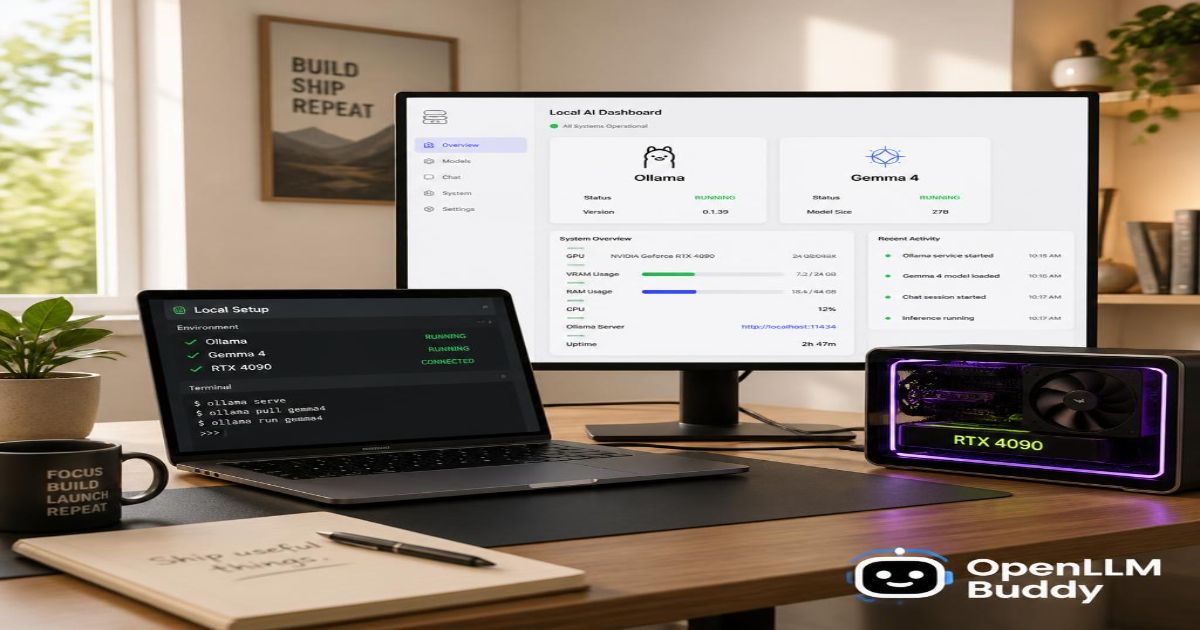
Here's the whole stack in one sentence: Ollama runs the model, Gemma 4 or Qwen 3.6 does the thinking, and n8n or AnythingLLM connects it to your real work.
Total cost: $0.
Setup time: one afternoon.
You'll have a private AI that knows your documents, automates your workflows, and helps you build faster — without a single token leaving your machine or a single dollar leaving your bank account until you're ready to scale.
That's the solo founder advantage. Use it.